Tech Tips & Guides

Discover practical tech tips, step-by-step tutorials, troubleshooting solutions, and helpful guides for smartphones and laptops. Zanexa Tech covers Android and iPhone tips, Windows and macOS tutorials, performance optimization, battery-saving techniques, software updates, useful features, and common tech problems to help you get the most out of your devices.

How to Make a Circle Webcam in OBS Studio

How to Make a Circle Webcam in OBS Studio 2026 (Step-by-Step Guide)

—
June 30, 2026

Learn how to make a circle webcam in OBS Studio using a....
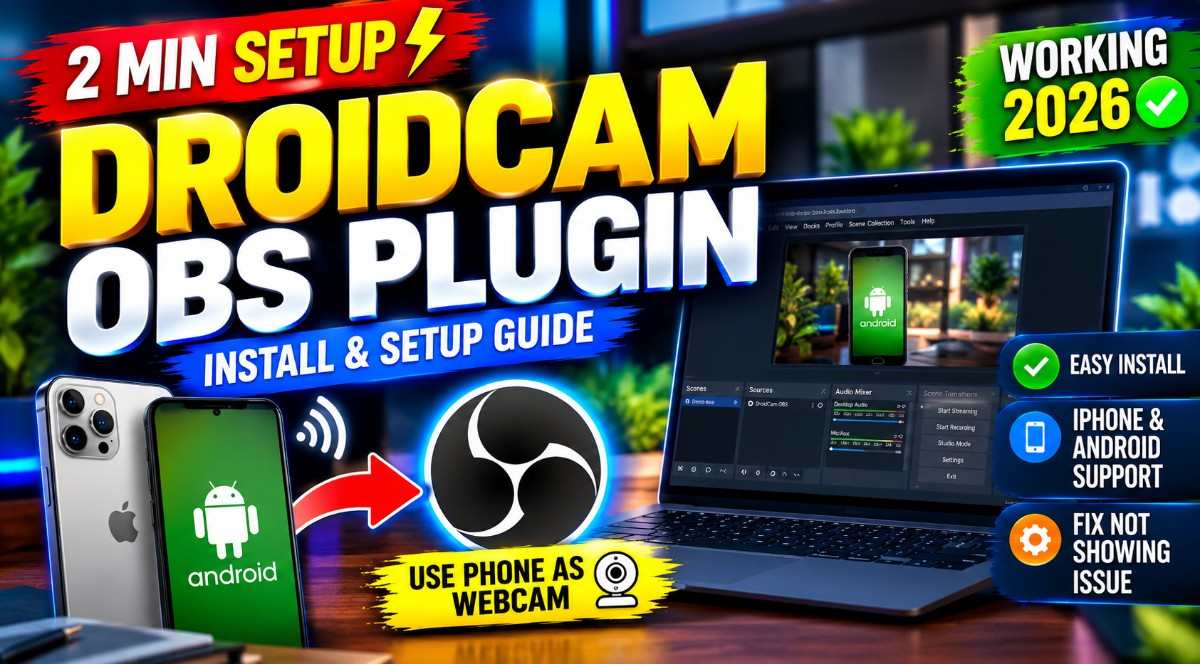
How to Install DroidCam OBS Plugin on Windows (2026 Complete Guide)

—
June 24, 2026

Are you looking to upgrade your live stream or video recordings without....
Samsung Messages shutting down and switching to Google Messages app on Galaxy phones 2026

Samsung Messages Is Shutting Down in 2026 – What You Must Do Now

—
April 6, 2026

Samsung Messages Is Shutting Down: What You Need to Do Before July....

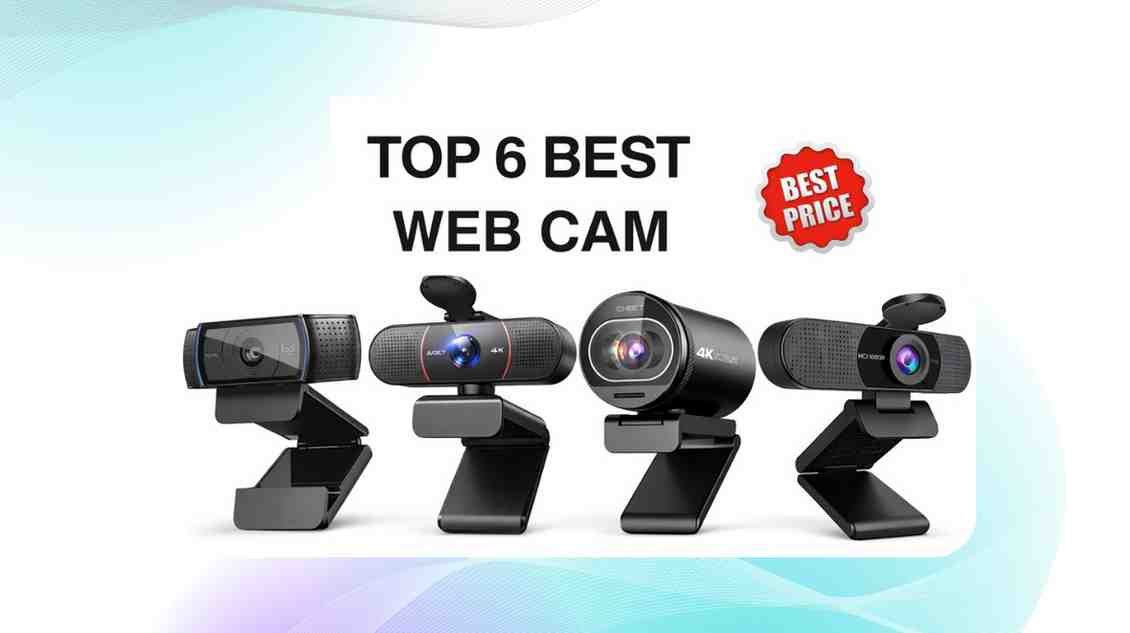
## FAQ – Best Webcams with Microphone for Zoom Meetings Below are short, researched, high-intent answers to questions people commonly search about webcams, microphones, and video conferencing hardware. --- ### 1. What is the best webcam for Zoom meetings? The best webcam for Zoom meetings balances **video clarity (1080p)** with **built-in microphone quality** and good low-light handling. Top picks include the **Logitech C920s** (great overall value), **Logitech BRIO 4K** (premium quality), and **Anker PowerConf C300** (AI framing + meeting features). These models offer plug-and-play compatibility with Zoom and other conferencing apps. --- ### 2. What webcam is best for general video conferencing? For broad video conferencing (Zoom, Teams, Meet), prioritize webcams with reliable **1080p video quality** and **built-in noise-reducing microphones**. Good options include the **Logitech Brio 300**, **Poly Studio P5**, and **Jabra Panacast 20** — all designed to work smoothly across platforms. --- ### 3. Are there webcams with both microphone and speaker? Yes. Webcams like the **Logitech MeetUp** and **Aver CAM520** integrate **both microphones and speakers** for small-room conferencing without extra peripherals. These are ideal for huddle rooms and shared workspaces where participants need clear audio both ways. --- ### 4. Which webcam is best for streaming (YouTube, Twitch)? For streaming, you want **smooth frame rates (60fps)** and better image control. Popular picks include **Razer Kiyo Pro Ultra** (supports 4K/30fps and 1080p/60fps), **Elgato Facecam MK.2** (1080p/60fps with HDR), and **Insta360 Link** (AI tracking). These deliver sharper video and better performance in varied lighting. --- ### 5. What is the best webcam for a laptop? Laptop users should choose **USB-C webcams** that offer better video and mic quality than built-in cameras. The **Logitech Brio 300** (1080p with auto light correction), **Logitech StreamCam** (1080p/60fps), and **Anker PowerConf C200** (2K resolution) are excellent portable upgrades that clip onto laptop screens easily. --- ### 6. What webcam is best for Microsoft Teams meetings? Microsoft’s documentation indicates Teams can use **up to 1080p** depending on settings and bandwidth. Webcams certified for Teams (such as **Logitech Brio 4K, Logitech Brio 300, C920e, and Poly Studio P5**) are reliable choices, offering clear video and noise-reducing microphones compatible with Teams’ call optimization. --- ### 7. Do webcams work with Zoom hub or Zoom Rooms? Yes — most USB webcams that support **1080p or higher resolution** work with Zoom Rooms and Zoom Hub hardware. Logitech, Poly, and Jabra models certified for Zoom Rooms are often recommended because they integrate seamlessly with room controllers, auto-framing, and central management. --- ### 8. Does Zoom support 4K webcams? Zoom supports 4K webcams but often transmits video at **1080p or lower** depending on plan, bandwidth, and admin settings. Premium webcams like the **Logitech BRIO 4K** still provide benefits (like better image sensors and light correction), even if Zoom downscales the stream. --- ### 9. Is 1080p webcam enough for professional calls? Yes — 1080p remains the standard recommendation for professional video conferencing because Zoom, Teams, and Meet often limit quality for stability. A 1080p webcam with strong low-light performance and a quality mic typically looks better in real calls than a 4K webcam in poor lighting. --- ### 10. Can a webcam’s built-in microphone replace a headset mic? For many users, webcams with **dual microphones and noise suppression** are sufficient for normal calls. However, if you work in noisy environments or require broadcast-level audio quality, a dedicated external microphone often performs better than any built-in webcam mic. --- If you’d like, I can generate **SEO-ready Schema FAQ JSON-LD** to help this section appear in rich search results.

Best Webcam with Microphone for Zoom Meetings (2026) – Top Picks for Clear Video & Audio

—
March 3, 2026

Clear video and sharp audio are no longer optional — they’re essential.....
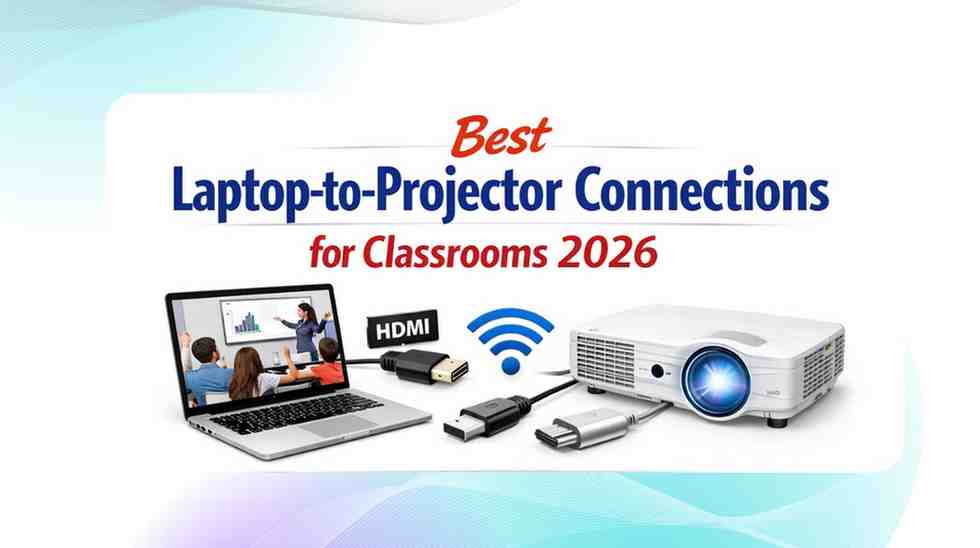
best laptop-to-projector connections

Top 2026 Laptop-to-Projector Connections for Classrooms: The Ultimate Guide for Educators

—
March 1, 2026

Top 2026 Laptop-to-Projector Connections for Classrooms 1. Introduction: Why Reliable Projector Connections....
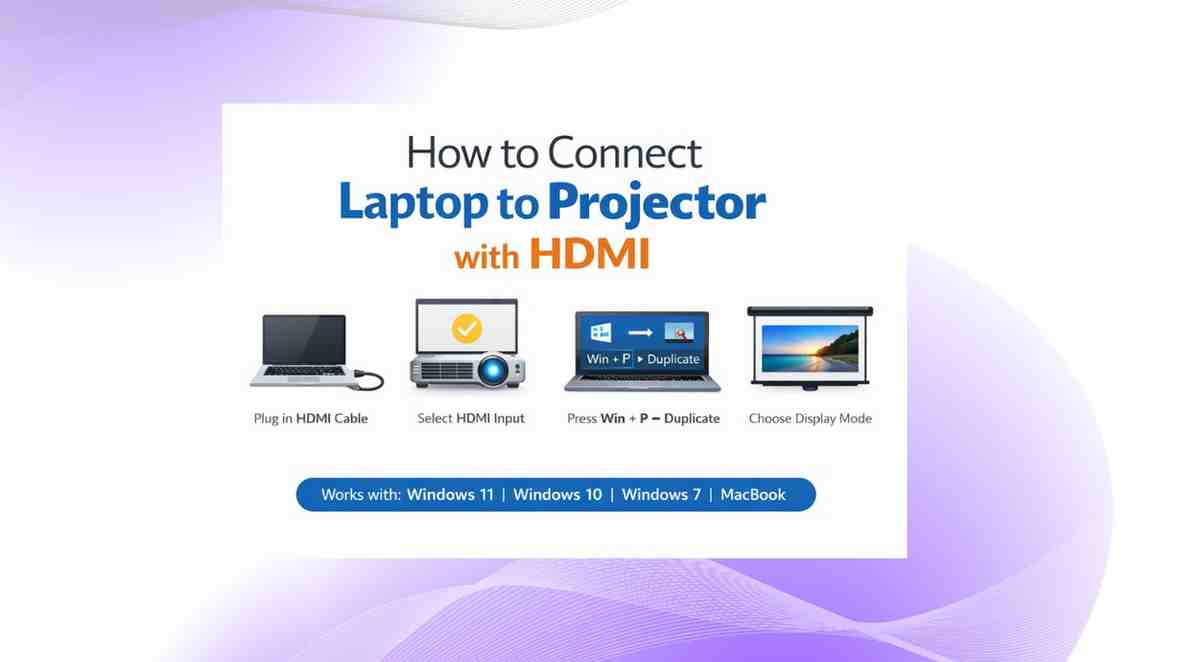
How to Connect Laptop to Projector with HDMI

How to Connect Laptop to Projector with HDMI Cable

—
February 24, 2026

Need a fast, reliable way to connect your laptop to a projector? This guide shows the exact HDMI steps for Windows and Mac, how to duplicate or extend your screen, enable projector sound, and fix common connection issues.

Red and Blue Dynamic Competition YouTube Thumbnail Background 10

How to Keep Your Smartphone Battery Healthy & Extend Lifespan (2026)

—
February 23, 2026

How to Keep Your Smartphone Battery Healthy (Complete 2026 Guide) Smartphone batteries....