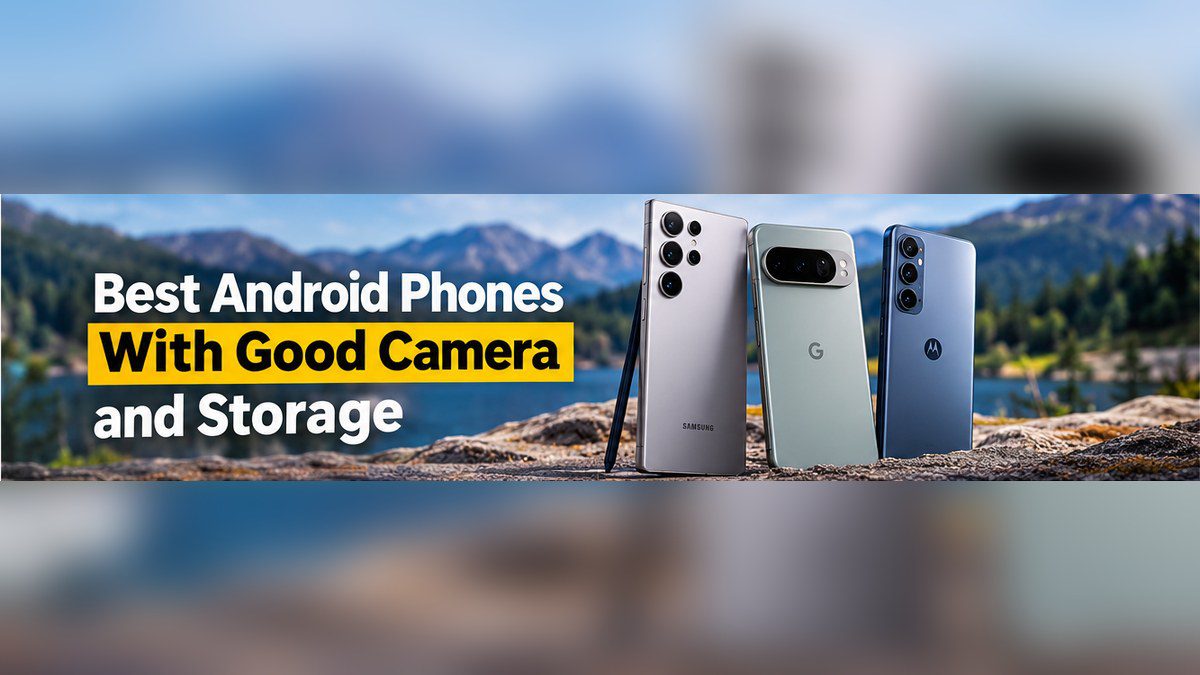
If you search for an Android phone with a good camera and good storage, you quickly hit a problem: the phones with the best cameras usually have no memory card slot, and the phones that do have a card slot usually have average cameras. So which one should you buy?
This guide gives you a clear answer. We explain what “good storage” really means, how much space you actually need, what makes a phone camera good (it is not just megapixels), and which phones give you the best mix of both. We also cover software updates, because a great camera is no use if the phone stops getting security patches after two years.
If you only care about photo quality, see our guide to the best camera phones in 2026. If you are shopping on a tight budget, our best budget mobile phones with a good camera guide is a better starting point. For everything else, keep reading.
Quick Answer: Our Top Picks
- Best overall (camera + large internal storage): Samsung Galaxy S26 Ultra
- Best for low light and easy point-and-shoot photos: Google Pixel 10 Pro / Pixel 10 Pro XL
- Best budget camera phone: Google Pixel 10a
- Best value with a microSD slot: Samsung Galaxy A35 5G
- Best microSD phone with a stronger camera setup: Motorola Moto G Stylus 2026
- Best cheap phone with a card slot and very long updates: Samsung Galaxy A26
The short version: if the camera matters most, buy a flagship and pay for extra internal storage. If cheap, expandable storage matters most, buy a Samsung A-series or Motorola Moto G phone and accept an average camera.
What You Will Find in This Guide
- What “good storage” really means
- How much storage do you need?
- Why flagship phones dropped the microSD slot
- What makes a phone camera good
- Best flagship camera phones with big internal storage
- Best budget camera phone
- Best Android phones with a microSD slot
- Side-by-side comparison
- Software updates: the factor people forget
- Which phone should you buy?
- How to save storage space
- How to choose a microSD card
- Common buying mistakes
- Buying checklist
- Frequently asked questions
What “Good Storage” Really Means
When people say they want “good storage,” they usually mean one of three different things. Understanding the difference will save you from buying the wrong phone.
1. Large internal storage
This is the space built into the phone, such as 256GB, 512GB, or 1TB. It is the fastest and simplest option. Photos, videos, apps, and games all live in the same place, and nothing can go wrong with a card. The downside is price: phone makers charge a lot more for the higher storage versions, and you cannot add space later.
2. Expandable storage with a microSD card
A microSD slot lets you add space cheaply. A large memory card costs far less than the same amount of extra internal storage, and you can swap cards or move your photos to a computer easily. The downsides are that cards can be slower, can fail or get lost, and are now found mostly on budget and mid-range phones.
3. Cloud storage
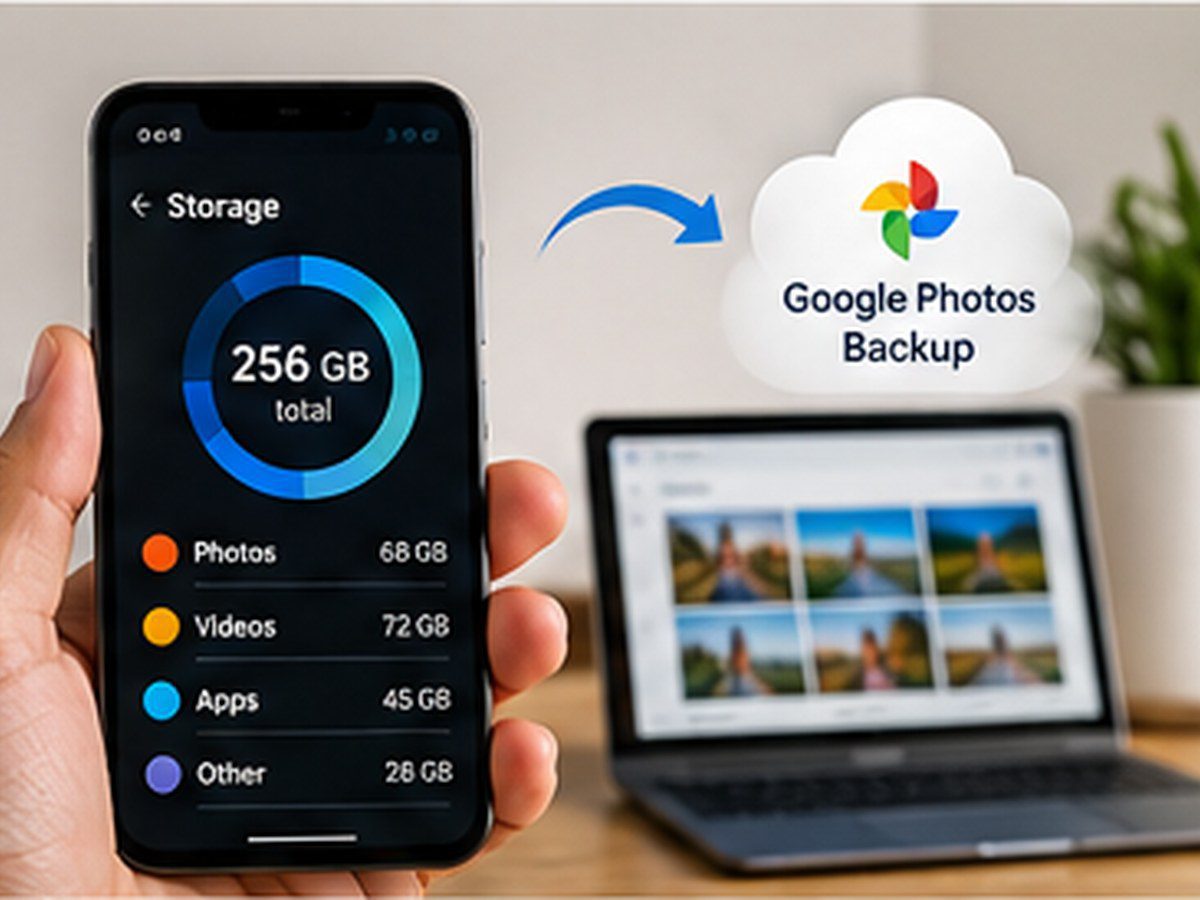
Services such as Google Photos back up your pictures online so you can delete them from the phone. Cloud backup protects you if your phone is lost or broken and lets you see photos on any device. However, it needs an internet connection, and the free allowance runs out fast. At the time of writing, Google’s free allowance is 15GB shared across Google services, so heavy shooters usually need a paid plan such as Google One.
The best setup for most people is a mix: enough internal storage for daily use, plus cloud backup for safety. A microSD card is a bonus if your phone has a slot, not a replacement for backups.
How Much Storage Do You Need?
Storage needs depend on how you use your phone. Here is a practical guide:
| User type | Typical use | Suggested internal storage |
|---|---|---|
| Light user | A few photos a week, social media, messaging, streaming | 128GB |
| Regular user | Daily photos, short videos, many apps, some games | 256GB |
| Heavy user | Lots of 4K video, burst photos, large games, offline media | 512GB or more |
| Content creator | High-resolution video, RAW photos, frequent editing | 512GB to 1TB, plus cloud or computer backup |
A simple way to estimate your needs
Do a quick check on your current phone. Open Settings, go to Storage, and see how much space photos and videos take up. Then think about how long you plan to keep the new phone. If you want to keep it for four to six years, your files will grow, so choose one step higher than you need today.
As a rough guide, a standard photo takes a few megabytes. Full-resolution shots from a 50MP or higher camera, and RAW files, can be several times larger. Video is the big space user: 4K video can use hundreds of megabytes per minute, and more at 60 frames per second or with high-bitrate settings. Files in efficient formats such as HEVC are smaller. Exact sizes vary by phone and settings, so treat these numbers as a guide, not a promise.
Also remember that the advertised storage is never fully yours. The operating system and pre-installed apps take a noticeable slice, so a 128GB phone may offer noticeably less usable space out of the box.
Why Flagship Phones Dropped the microSD Slot
If you are wondering why you cannot find a microSD slot on the best camera phones, you are not imagining it. According to Android Central’s guide to phones with SD card slots, Samsung only includes card slots in its cheaper A-series phones, and the Galaxy S26 and Pixel 10 lines have none. The same guide notes that brands can charge a lot for 512GB and 1TB models, so expandable storage is unlikely to come back to flagships.
The likely reasons are simple: removing the slot frees internal space, makes water resistance easier, and lets the manufacturer earn more from higher storage versions. Flagship phones also use very fast internal storage, which a microSD card cannot match.
That is why the choice is real. If you want the best cameras, you will generally pay for internal storage. If you want a card slot, you will generally choose a more affordable phone.
What Makes a Phone Camera Good?
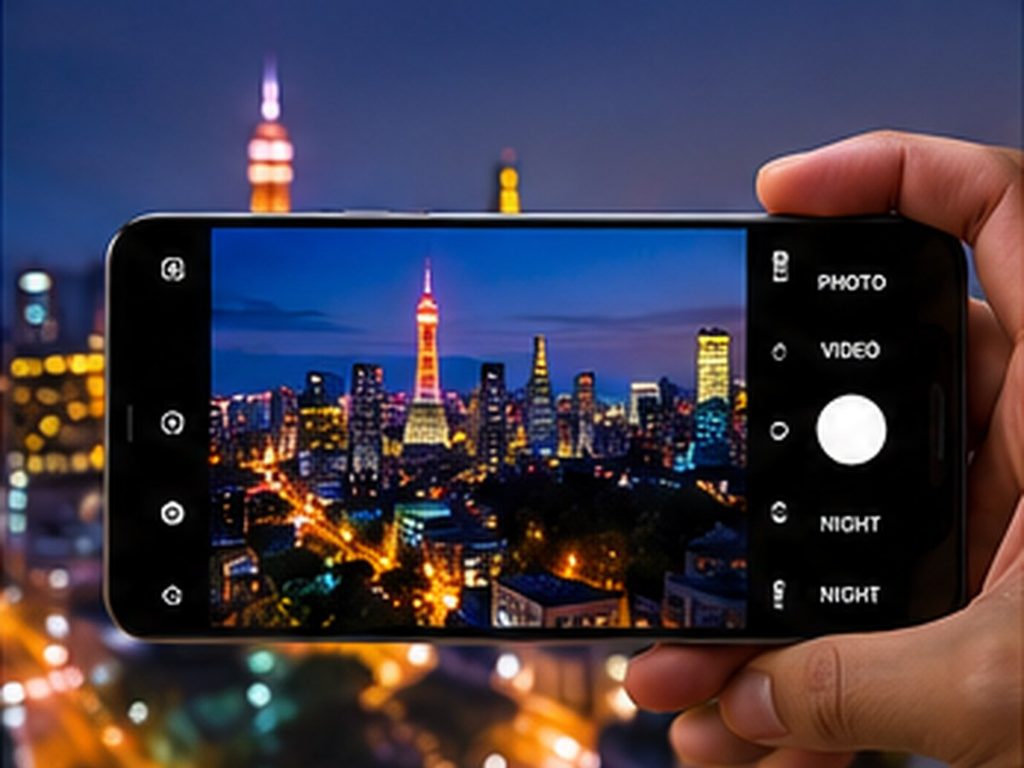
Many buyers compare megapixel numbers, but that is only a small part of the story. Two phones with the same sensor can produce very different photos because of how the software processes the image. Here is what actually matters:
- Main sensor quality: A larger, better sensor captures more light, which means cleaner photos in dim places. A good main camera matters more than having many extra lenses.
- Image processing: This is the software that sets color, contrast, sharpness, and noise reduction. It is why Google Pixel photos look different from Samsung photos even when the hardware is similar.
- Low-light performance: Test how the phone handles evening photos, restaurants, and indoor shots. Night modes are only as good as the processing behind them.
- Stabilization: Optical image stabilization (OIS) reduces blur in photos and makes video smoother.
- Zoom: A dedicated telephoto lens gives much cleaner zoomed photos than digital cropping. If you shoot kids, pets, sports, or travel, this matters.
- Ultrawide lens: Useful for landscapes, group photos, and tight indoor spaces. On cheap phones this lens is often much weaker than the main camera.
- Video quality: Look for 4K recording, stable footage, good audio, and consistent color between lenses.
- Selfie camera: Important for video calls and social media. Many budget phones now have strong front cameras.
- Speed and consistency: A camera that is slightly better but slow to focus can miss moments. Reliable results matter more than occasional great ones.
Be careful with “macro” cameras of 2MP or 5MP on budget phones. They add to the spec sheet but rarely add to photo quality. Android Central makes this point about the Galaxy A35 as well, calling its macro camera mostly useless.
Best Flagship Camera Phones With Big Internal Storage
If photo and video quality are your top priority, these are the phones to consider. None has a microSD slot, so choose the storage size carefully when you buy.
Samsung Galaxy S26 Ultra: best overall
Reviewers describe the Galaxy S26 Ultra as one of the strongest all-round camera phones of 2026. Currys ranks it as its best overall camera phone and its pick for zoom photography, with strong low-light performance too. Other reviewers also highlight its Snapdragon 8 Elite Gen 5 for Galaxy processor and 60W charging.
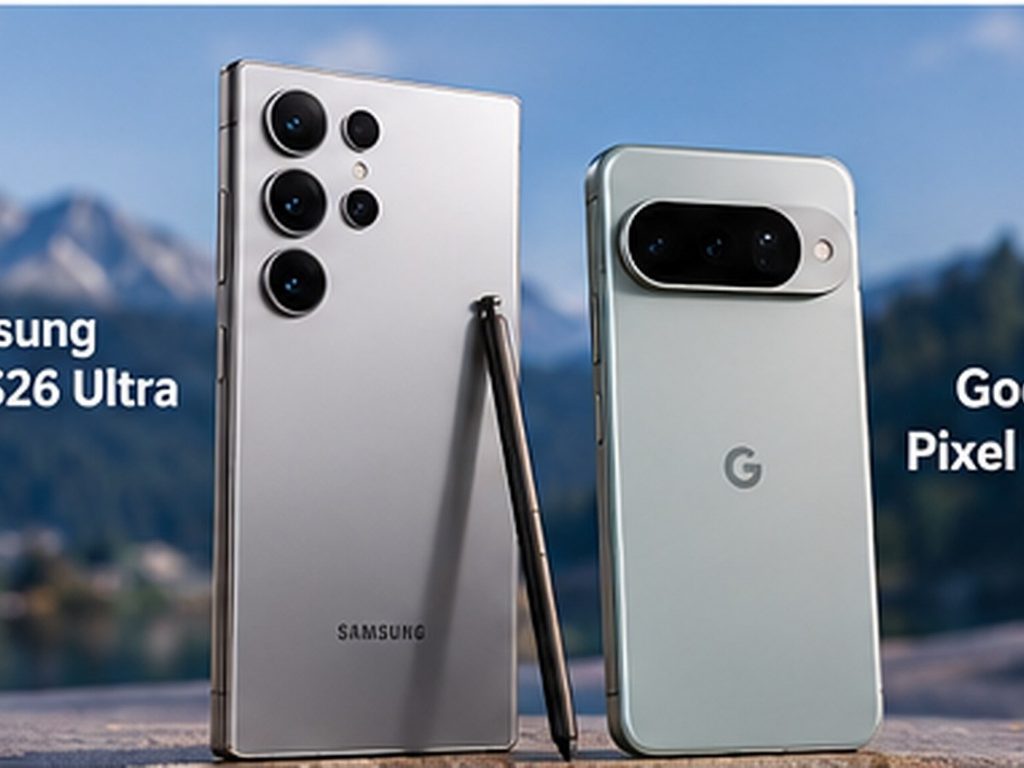
Good for: people who want one phone that does everything well, including long-range zoom and video.
Watch out for: the price, and the lack of a microSD slot. Samsung sells the phone in several storage sizes, so pick 512GB or more if you shoot a lot of 4K video. See current options on Samsung’s website.
Google Pixel 10 Pro and Pixel 10 Pro XL: best for low light and simple great photos
Google’s Pixel phones are known for computational photography, which means the software does a lot of the work to produce balanced, detailed images. Currys names the Pixel 10 Pro its best Android camera and recommends Pixel phones for night photography. If you want to point, shoot, and get a good photo without adjusting settings, a Pixel is hard to beat.
Good for: everyday photos, low-light shots, people who prefer clean software and quick updates.
Watch out for: no microSD slot, so choose a higher storage size and turn on cloud backup. Check the Google Store for current storage options and the exact update policy.
OnePlus 15: a strong alternative
Android Central describes the OnePlus 15 as one of the best Android flagships available, although it is not as big a leap over the OnePlus 13 as that phone was over its predecessor. It is worth a look if you want flagship performance and a good camera, and you do not need a microSD slot.
A note on newer phones: new models launch often, including newer Pixel phones. Always check the manufacturer’s store for the latest camera and storage options before you buy.
Best Budget Camera Phone
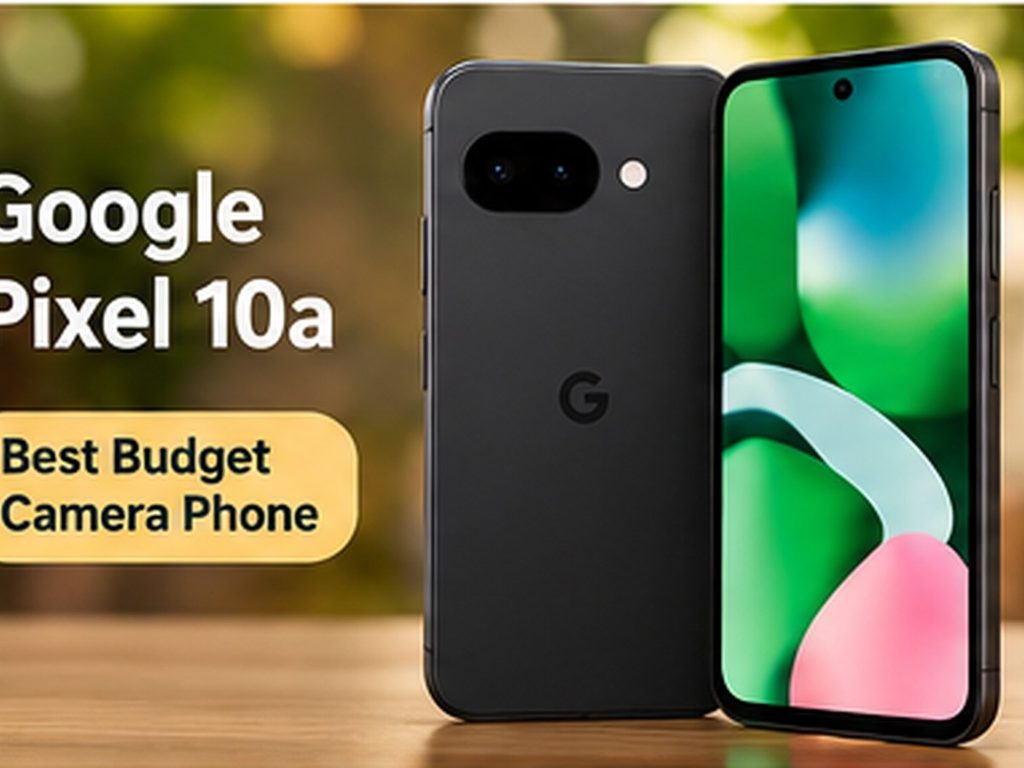
Google Pixel 10a: best value for photos
The Pixel 10a is the best way to get Pixel-style photos without paying flagship prices. Android Central lists it among the best cheap Android phones, noting that it launched with Android 16 and seven years of OS upgrades. Currys also names it its best budget camera phone for 2026.
Good for: buyers who want strong photos and very long software support on a smaller budget.
Watch out for: storage. Check the available storage sizes before buying, and use cloud backup if the base size feels tight.
For more affordable options, read our full guide to the best budget mobile phone with a good camera.
Best Android Phones With a microSD Slot
If expandable storage is a must, these phones are your best options. They do not match flagship cameras, but they take good everyday photos and give you cheap extra space. The specs below come from Android Central’s 2026 guide. Always confirm the exact model and region on the manufacturer’s site, because specifications can differ by market.
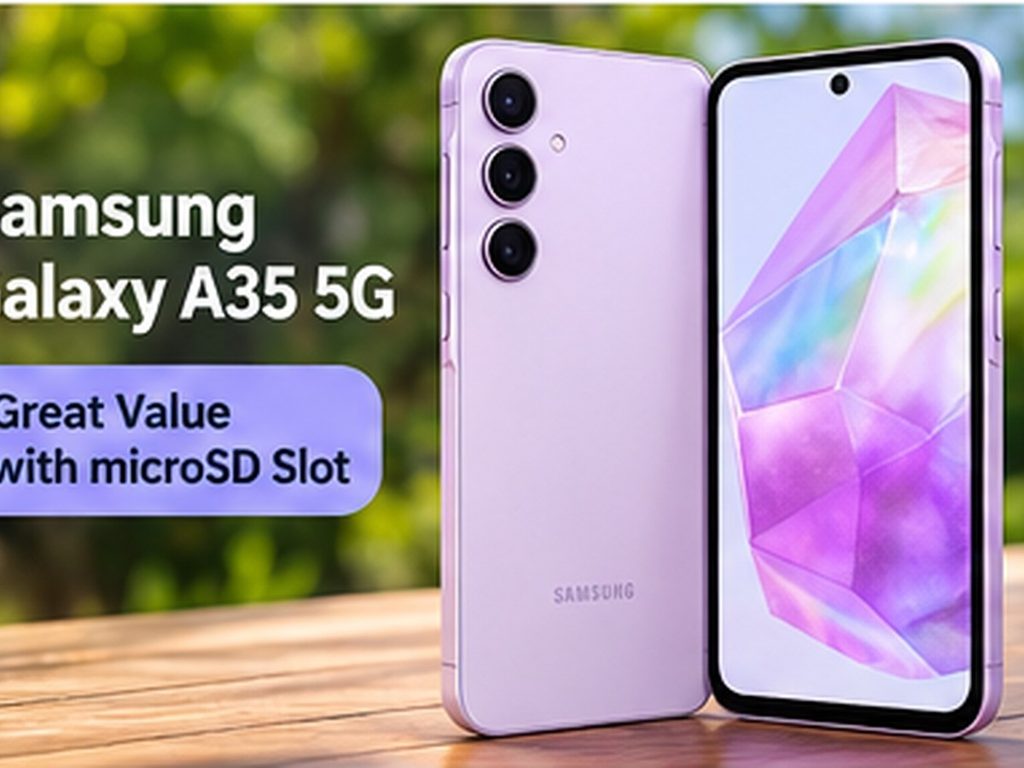
Samsung Galaxy A35 5G: best value with a card slot
- Display: 6.6-inch Super AMOLED, 120Hz
- Cameras: 50MP main, 8MP ultrawide, 5MP macro; 13MP front
- Storage: 128GB or 256GB, expandable with microSD
- Battery: 5,000mAh with 25W wired charging
- Durability: IP67 dust and water resistance
- Updates: four years of OS updates and five years of security patches
The A35 combines a bright display, a decent 50MP main camera, and strong update support. It is two generations old now, so it can be found at low prices, including renewed units. The macro camera is mostly useless, and performance is fine rather than fast.
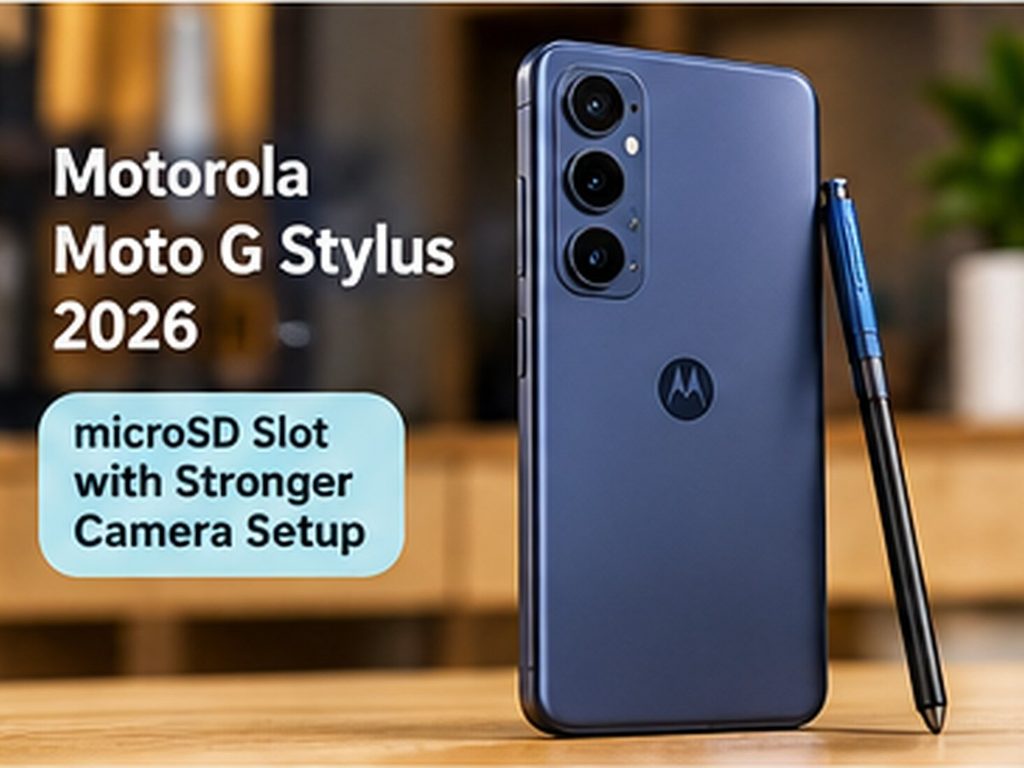
Motorola Moto G Stylus 2026: best card-slot phone with a stronger camera setup
- Display: 6.7-inch pOLED, 120Hz
- Chipset and memory: Snapdragon 6 Gen 3, 8GB RAM
- Cameras: 50MP main, 13MP ultrawide; 32MP front
- Storage: 128GB or 256GB, expandable up to 1TB
- Battery: 5,200mAh with 68W wired and 15W wireless charging
- Durability: IP68/IP69K
- Updates: two OS updates and three years of security patches
This is the pick if you want a better ultrawide camera, faster charging, and an active stylus, together with a card slot and a headphone jack. The main weakness is software support, which is much shorter than Samsung’s or Google’s. Visit Motorola’s website for current availability.
Samsung Galaxy A26: cheapest option with very long updates
- Display: 6.7-inch Full HD+ Super AMOLED, 120Hz
- Cameras: 50MP main, 8MP ultrawide, 2MP macro; 13MP front
- Storage: 128GB or 256GB, expandable
- Battery: 5,000mAh with 25W wired charging
- Durability: IP67
- Updates: Samsung promises six years of updates
The Galaxy A26 gives you a good screen, a decent main camera, and long software support at a low price. Performance is average and the screen has a waterdrop notch, but for a basic phone with a card slot it is a sensible choice.
Other card-slot phones worth knowing
- Moto G 2026: a very affordable phone with a 50MP main camera, a 32MP selfie camera, 128GB of storage expandable up to 1TB, and a 5,200mAh battery. Software support is limited to two OS updates and three years of security patches.
- Motorola Moto G Power 2026: a battery-focused model with 128GB expandable storage and a 5,200mAh battery that reviewers say lasts one to two days.
- TCL NXTPAPER 70 Pro: a great pick if you care more about an eye-friendly paper-like display than camera quality. It supports microSD cards up to 2TB.
Side-by-Side Comparison
| Phone | Best for | microSD slot | Camera level | Update support |
|---|---|---|---|---|
| Galaxy S26 Ultra | Best overall, zoom, video | No | Top tier | Long (check Samsung’s page) |
| Pixel 10 Pro / Pro XL | Low light, easy photos | No | Top tier | Long (check Google Store) |
| Pixel 10a | Budget camera | No | Very good for the price | Seven years of OS upgrades |
| Galaxy A35 5G | Value with card slot | Yes | Good | 4 OS + 5 years security |
| Moto G Stylus 2026 | Card slot + better ultrawide | Yes (up to 1TB) | Good | 2 OS + 3 years security |
| Galaxy A26 | Cheap, long updates | Yes | Decent | Six years promised |
Software Updates: The Factor People Forget
Camera quality and storage are easy to compare, but update support decides how long the phone stays safe and useful. Security patches protect you from new threats, and new Android versions bring new camera features and app compatibility. If you plan to keep your phone for five years or more, a short update promise can be a bigger problem than a weaker camera.
Policies vary a lot between brands. Recent reports show Google and Samsung flagships promising up to seven years of updates, while Motorola’s promises have been much shorter, as Android Police’s update guide explains. Some newer brands offer long security support too: a July 2025 Gizbot roundup noted that the Nothing Phone (3) promises five major Android updates and seven years of security updates. Policies change, so always confirm the current promise on the manufacturer’s site before buying.
For a full breakdown, read our guide to the best phones with 5+ years of software updates. You can also see how Google publishes monthly fixes in the Android Security Bulletins.
A quick rule for choosing
- Plan to keep the phone 2 to 3 years: update length matters less, so focus on camera and storage.
- Plan to keep the phone 4 to 5 years: aim for at least four years of OS updates and five years of security patches.
- Plan to keep the phone 6 years or more: choose a brand that promises six to seven years, such as a recent Pixel or Samsung model.
Which Phone Should You Buy?
For parents who photograph kids and family
You need fast focus, good low-light results, and lots of space for videos. The Pixel 10 Pro or Galaxy S26 Ultra is ideal if the budget allows. If not, the Pixel 10a with cloud backup is a smart choice, or the Galaxy A35 with a large microSD card.
For travelers
Zoom, ultrawide, and battery life matter. The Galaxy S26 Ultra is excellent for zoom. Pair any phone with cloud backup so you do not lose photos while traveling, and carry a power bank.
For students
Price and battery life come first. The Galaxy A35 5G or Galaxy A26 gives you a card slot, good battery life, and years of updates at a low price. The Pixel 10a is a step up if you want better photos.
For vloggers and content creators
Choose a flagship with at least 512GB of internal storage, strong stabilization, and good audio. Keep a regular backup routine to a computer or cloud service, because video files fill space quickly.
For people who want cheap, simple, expandable storage
Pick a Moto G Stylus 2026 or Galaxy A35 5G and add a quality microSD card. You will not get flagship photo quality, but you will get plenty of room and good value.
For people who keep phones for many years
Prioritize update support first. The Pixel 10a, a Galaxy A-series model, or a recent flagship will stay secure far longer than a budget phone with a two-year promise.
How to Save Storage Space on Any Android Phone
Even a large phone fills up eventually. These steps help you get more out of the space you have:
- Turn on cloud backup. After your photos are safely backed up, use your gallery or photos app’s option to free up space on the device.
- Use efficient formats. Many phones offer high-efficiency photo and video formats in the camera settings. They create smaller files, but older apps or devices may not open them as easily.
- Lower the video setting when you do not need the best quality. Shooting everyday clips in 1080p instead of 4K saves a lot of space.
- Delete duplicates and screenshots. Burst shots, screenshots, and forwarded videos from messaging apps take up more room than people expect.
- Clean messaging app media. Chat apps save every photo and video you receive. Clear old media from large group chats regularly.
- Clear app cache. Go to Settings, Apps, choose the app, then Storage and clear cache. Do this for apps that grow large, such as social media and streaming apps.
- Uninstall apps you do not use. Pre-installed apps you never open can often be removed or disabled.
- Move media to a computer. Copy important photos and videos to a computer or external drive once a month.
How to Choose a microSD Card
If your phone has a card slot, the card you buy makes a real difference. A cheap, slow card can cause laggy video recording, slow photo saving, and file errors.
- Check the maximum size your phone supports. Some phones support up to 1TB and others up to 2TB. Check the specifications first.
- Buy a recognized brand from a trusted seller. Fake and relabeled cards are common online and can lose your files.
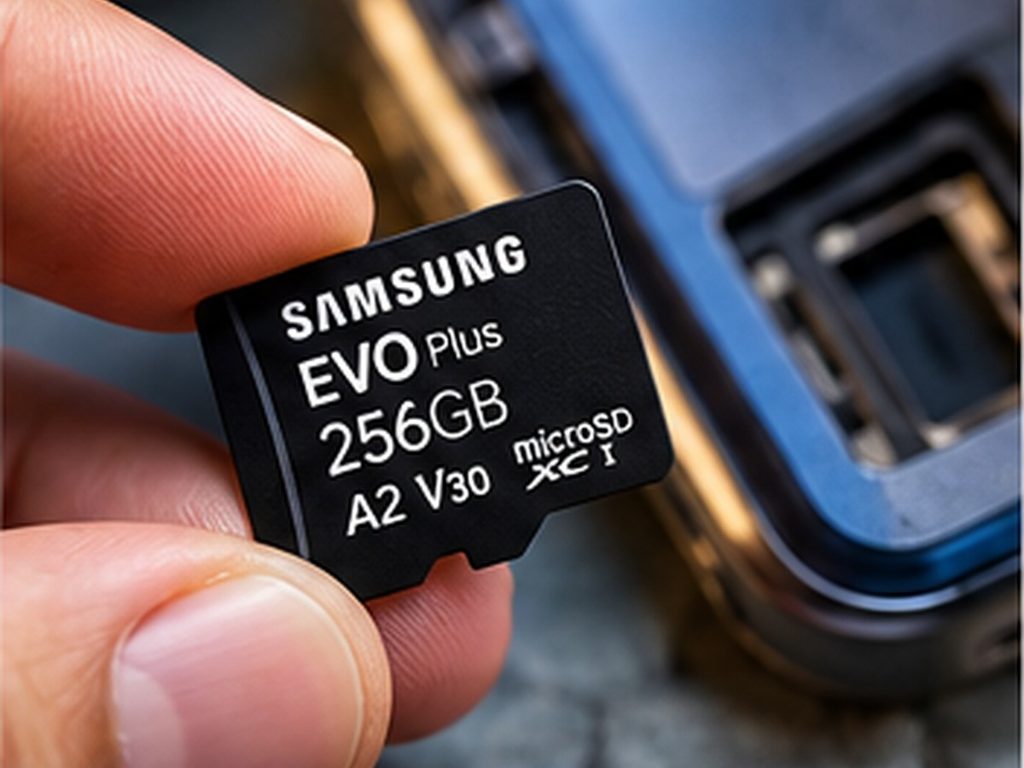
- Look for the right speed markings. For 4K video, look for U3 or V30 on the label. Cards marked A1 or A2 are better for running apps. You can learn what the labels mean on the SD Association website.
- Do not rely on a card alone. Cards can fail without warning, so back up your important photos.
- Know that apps may stay in internal storage. On most modern phones, a card is best for photos, videos, music, and documents.
Common Mistakes When Buying a Camera Phone
- Judging by megapixels. A higher number does not mean better photos. Processing and sensor quality matter more.
- Buying the smallest storage to save money. The difference between 128GB and 256GB is often worth it, because you cannot add space later on most flagships.
- Ignoring update support. A cheap phone with only two years of updates can cost more in the long run.
- Counting extra lenses. Macro and depth sensors rarely improve your photos. A better main camera is worth more.
- Not checking regional versions. Chipsets, bands, storage options, and even the card slot can differ between countries.
- Assuming a card slot means unlimited space. A slow or fake card can hurt performance and risk your data.
- Skipping reviews of real photos. Look at full-size sample photos in different lighting, not just marketing images.
Buying Checklist
Before you pay, check each point:
- Set your budget and decide if you need a card slot or are happy with internal storage only.
- Choose your storage size using the table above, and go one step up if you keep phones for years.
- Compare real photo samples in low light, not just daylight.
- Check the manufacturer’s current update promise.
- Check battery size and charging speed.
- Confirm water resistance, display quality, and 5G support in your country.
- Compare prices across stores, and consider renewed models from reliable sellers for older phones like the Galaxy A35.
- Check the return policy so you can test the camera yourself.
Frequently Asked Questions
What is the best Android phone with a good camera and storage?
For most people who want the best camera, the Samsung Galaxy S26 Ultra is the best overall pick, with the Google Pixel 10 Pro as the best choice for low-light and simple point-and-shoot photos. Buy a higher internal storage size, because these phones do not have a card slot.
Do any flagship Android phones have a microSD card slot?
Not among the latest major releases. The Galaxy S26 and Pixel 10 series have no slot. Card slots are now found mostly on budget and mid-range phones from brands such as Samsung (A-series) and Motorola.
Is 128GB enough for a phone in 2026?
It is enough for light users who stream, message, and take occasional photos. If you shoot a lot of video, play large games, or keep your phone for several years, 256GB or more is safer.
Is cloud storage better than a microSD card?
They solve different problems. Cloud storage protects you if you lose or break your phone, but it needs internet and often a subscription. A microSD card is a one-time cost and works offline, but it can fail or be lost. Using both gives the best protection.
Which Android phone has the best camera and the longest updates?
Recent Google Pixel and Samsung flagship phones offer some of the longest update promises, and the Pixel 10a promises seven years of OS upgrades. For more, see our guide to phones with long software support.
Is a phone with a microSD slot worse for photos?
Not directly. The card slot does not affect photo quality. It just happens that most phones with slots are budget models with less advanced cameras.
How much storage do I need for 4K video?
It depends on the phone and settings, but 4K video can use hundreds of megabytes per minute, and more at higher frame rates. If you record a lot of 4K, choose 512GB or more, or use a fast microSD card if your phone supports one.
Can I move apps to a microSD card?
On most modern Android phones, cards are best for photos, videos, music, and files. Apps usually stay on the internal storage, so do not count on a card to fix an app-heavy phone.
Final Verdict
There is no single perfect phone for everyone, but the choice is simpler than it looks. If you want the best camera, buy a flagship such as the Galaxy S26 Ultra or Pixel 10 Pro and pay for the storage size you need, because there is no card slot to fall back on. If you want great value and a lot of cheap space, a Galaxy A35 5G or Moto G Stylus 2026 with a good microSD card is a practical choice. If you want strong photos on a smaller budget with years of updates, the Pixel 10a is hard to ignore.
Whatever you choose, back up your photos, choose a storage size one step above what you think you need, and check the update promise before you buy. Specifications, prices, and availability change often and vary by country, so confirm the details on the manufacturer’s website before you order.