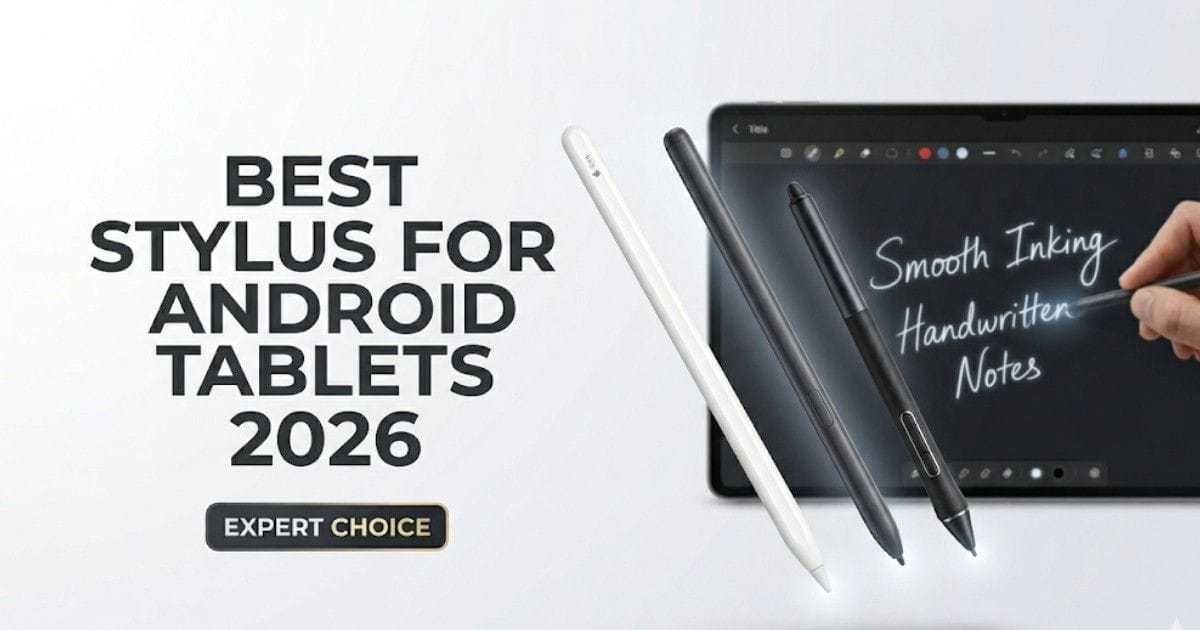
If you own an Android tablet in 2026, a stylus is no longer just an accessory-it’s your pen, mouse, sketchbook, and productivity tool rolled into one. Whether you’re a student, designer, note-taker, or business user, the best stylus for Android tablets can completely transform how you work.
But here’s the problem: not all styluses are created equal. Some feel like writing on paper. Others feel like poking glass with a stick. And yes—there’s a big difference.
This guide cuts through the noise. No hype. No fake specs. Just real, practical advice backed by how these tools actually perform.
Why a Stylus Matters More in 2026 ?
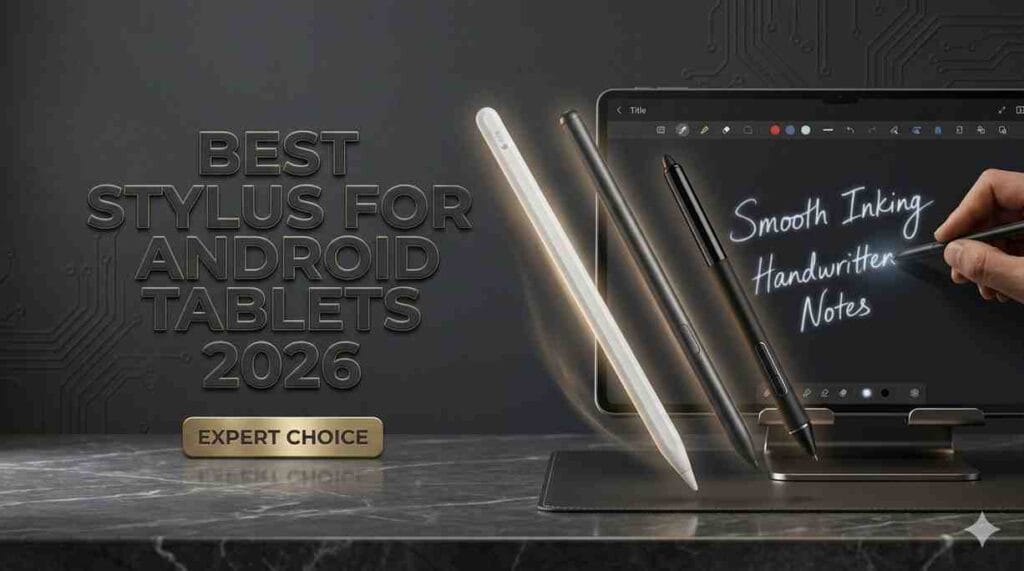
Modern Android tablets now support:
- High refresh rate displays (120Hz+)
- Pressure sensitivity (4096+ levels)
- Palm rejection
- AI handwriting recognition
A good stylus lets you take notes faster than typing, sketch naturally, and even sign documents instantly.
According to productivity studies from sources like Microsoft Research and Google UX reports, handwriting improves memory retention compared to typing. That alone makes a stylus worth considering.
What Makes the Best Stylus for Android Tablets?
Before jumping into recommendations, you need to understand what actually matters.
1. Pressure Sensitivity
This controls how thick or thin your lines appear.
- 1024 levels → Basic
- 4096 levels → Good
- 8192+ levels → Professional-grade
If you draw or design, this is non-negotiable.
2. Latency (Response Time)
Lower latency = smoother writing.
- High latency → noticeable delay
- Low latency → feels like real pen
Samsung’s S Pen leads here because of deep hardware integration.
3. Palm Rejection
Lets you rest your hand naturally while writing.
Without it? You’ll accidentally draw modern art while taking notes.
4. Tilt Support
Important for artists.
Tilt lets you shade like a real pencil—great for sketches and digital art.
5. Battery vs No Battery
- Battery stylus → longer features, needs charging
- Passive stylus → no charging, fewer features
Pro tip: If you hate charging cables, go passive—but you lose advanced features.
Best Stylus for Android Tablets (2026 Picks)
Here are the top styluses based on real-world usability, compatibility, and reliability.
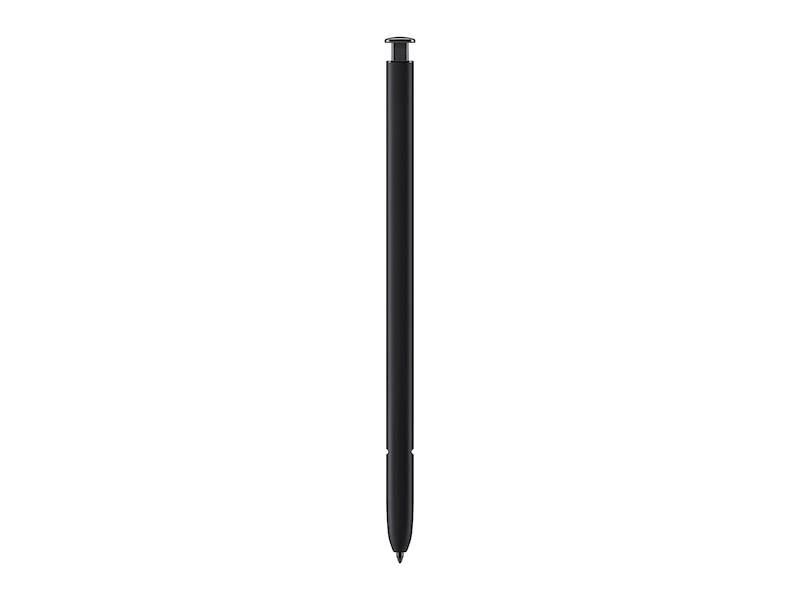
1. Samsung S Pen – Best Overall Stylus
Why it stands out
Samsung didn’t just build a stylus—they built an ecosystem.
- Ultra-low latency (feels instant)
- No charging needed (for basic use)
- 4096+ pressure levels
- Excellent palm rejection
- Bluetooth Air Actions (for gestures)
Best for:
- Students
- Professionals
- Artists (intermediate to advanced)
Reality check:
Works best with Samsung Galaxy tablets. Compatibility with other Android tablets is limited.
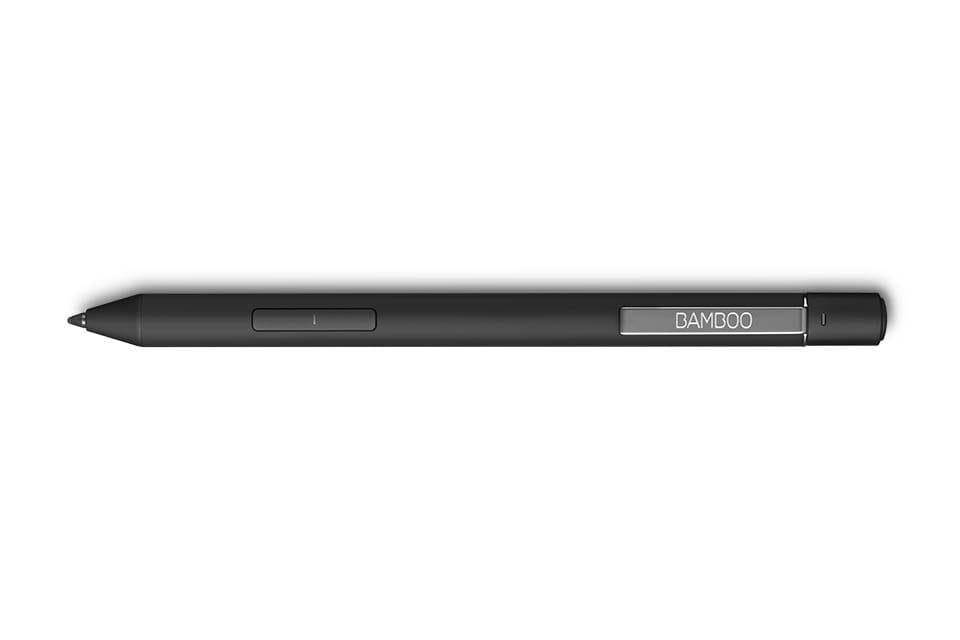
2. Wacom Bamboo Ink Plus – Best for Creative Work
Why creatives love it
Wacom is trusted in the digital art world.
- High precision input
- Tilt support
- Customizable buttons
- Rechargeable battery
Best for:
- Designers
- Illustrators
- Creative professionals
Reality check:
Not all Android tablets fully support Wacom tech. Always check compatibility.
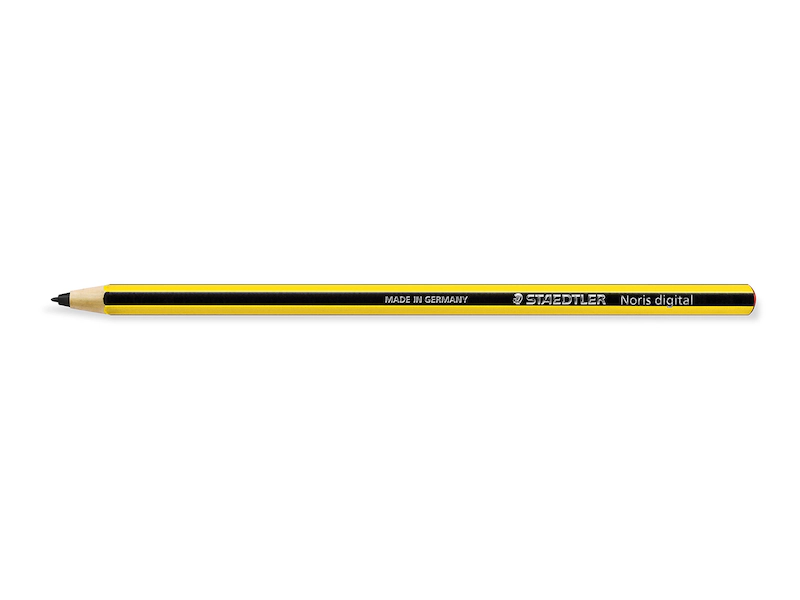
3. Staedtler Noris Digital – Best for Note-Taking
Why it’s unique
Looks like a real pencil. Feels like one too.
- No battery required
- Lightweight
- Natural writing feel
- Good palm rejection (on supported devices)
Best for:
- Students
- Writers
- Daily note-taking
Reality check:
Limited advanced features. Not ideal for professional drawing.
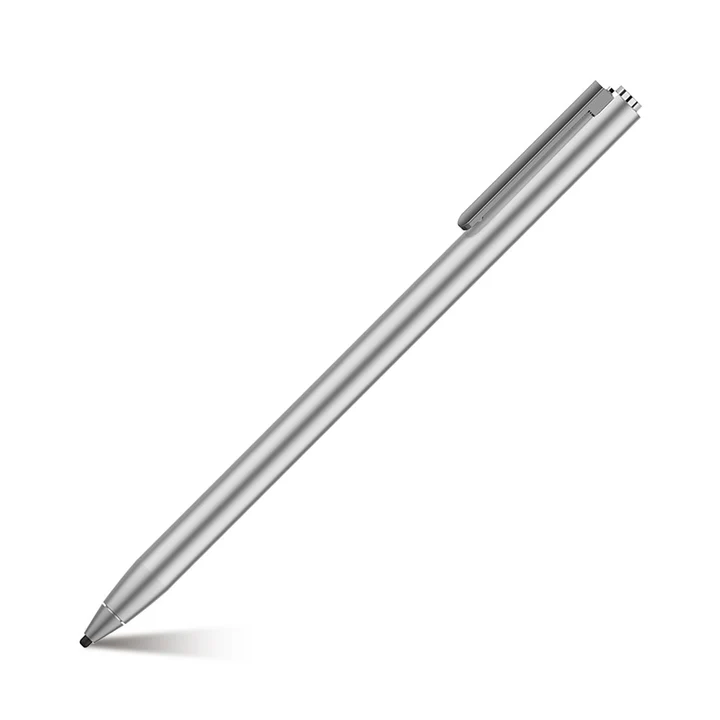
4. Adonit Dash 4 – Best Budget Stylus
Why it’s popular
Simple, affordable, and reliable.
- Works with many Android tablets
- Good battery life
- No pairing complexity
Best for:
- Beginners
- Casual users
- Budget buyers
Reality check:
No pressure sensitivity. Not for artists.
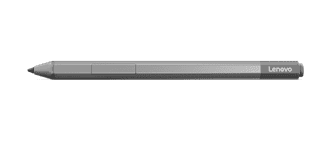
5. Lenovo Precision Pen 3 – Best for Lenovo Tablets
Why it’s underrated
A strong performer within Lenovo’s ecosystem.
- 4096 pressure levels
- Wireless charging
- Low latency
- Comfortable grip
Best for:
- Lenovo Tab users
- Productivity and creative tasks
Reality check:
Limited compatibility outside Lenovo devices.
How to Choose the Right Stylus (Quick Guide)
Here’s a simple way to decide:
If you are a student:
Go for S Pen or Staedtler Noris
If you are an artist:
Choose Wacom Bamboo Ink Plus
If you want budget:
Pick Adonit Dash 4
If you use Lenovo tablet:
Choose Precision Pen 3
Compatibility Warning (Very Important)
Not all styluses work on all Android tablets.
There are three main technologies:
- EMR (Electromagnetic Resonance) → Used by Samsung
- AES (Active Electrostatic) → Used by Lenovo, Wacom
- Capacitive Stylus → Basic universal support
Always check your tablet’s stylus support before buying.
Real-World Use Cases
Let’s be practical.
1. Note-taking in Class
Stylus beats typing:
- Faster diagrams
- Better memory retention
- Easy annotations
2. Digital Art
Pressure + tilt = realistic shading
Without these, your art looks flat.
3. Business Productivity
- Sign documents
- Annotate PDFs
- Brainstorm visually
4. Content Creation
Stylus helps with:
- Thumbnail sketching
- UI design drafts
- Idea mapping
Common Mistakes to Avoid
1. Buying Without Checking Compatibility
Biggest mistake. Happens all the time.
2. Ignoring Latency
Even 50ms delay feels annoying over time.
3. Choosing Cheap Stylus for Pro Work
You’ll regret it. Trust me.
4. Overpaying for Features You Don’t Use
If you just take notes, don’t buy a pro artist stylus.
Best Stylus Price Comparison (2026) – Quick Deals
Looking for the best stylus at the right price? Here’s a quick comparison with ratings, pricing, and direct buy options.
| Stylus | Price | Best For | Rating | Buy Now |
|---|---|---|---|---|
Samsung S Pen
Best Value | $0 – $99 (often included) | Students, productivity | ⭐ 9.7/10 | View on Amazon Official Page |
Apple Pencil
Premium Pick | $79 – $129 | Artists, iPad users | ⭐ 9.6/10 | View on Amazon Official Page |
Wacom Bamboo Ink Plus
Creative Pro | $60 – $100 | Design & drawing | ⭐ 9.4/10 | View on Amazon Official Page |
Lenovo Precision Pen 3
Lenovo Pick | $50 – $80 | Lenovo tablet users | ⭐ 9.2/10 | View on Amazon Official Page |
Adonit Dash 4
Budget | $40 – $70 | Basic use | ⭐ 8.7/10 | View on Amazon Official Page |
Quick Buying Tip
S Pen = Best value (often free with tablet). Apple Pencil = Best for creators (premium experience). Pick based on your tablet, not just price.
Best Stylus for Android Tablets in 2026: Quick Comparison
| Stylus | Best For | Pressure | Battery | Highlights | Rating |
|---|---|---|---|---|---|
Samsung S Pen
Best Overall | Notes, work, daily use | 4096 levels | No (basic writing) | Low latency, palm rejection, smooth writing | |
Wacom Bamboo Ink Plus
Best for Artists | Drawing, design, sketching | 4096 levels | Yes | Tilt support, precise control, pro feel | |
Staedtler Noris Digital
Best for Notes | Students, handwriting, study | Varies by device | No | Natural pencil feel, light, easy to use | |
Adonit Dash 4
Best Budget | Basic use, casual writing | No pressure support | Yes | Affordable, simple, wide compatibility | |
Lenovo Precision Pen 3
Top Lenovo Pick | Lenovo tablet users | 4096 levels | Yes | Wireless charging, low latency, comfortable grip |
Samsung S Pen vs Apple Pencil: Which Stylus Is Better?
If you are stuck between the Samsung S Pen vs Apple Pencil, here is the quick truth: both are excellent, but they serve different users. Samsung wins on value and convenience, while Apple wins on premium feel and iPad optimization.
| Feature | Samsung S Pen | Apple Pencil | Winner |
|---|---|---|---|
| Best For | Galaxy tablet users
Great Value | iPad users
Premium Choice | Tie |
| Writing Feel | Smooth, natural, very responsive | Extremely precise and polished | Apple Pencil |
| Charging | Basic pen input works without charging on many S Pens | Needs charging for normal use | Samsung S Pen |
| Included in Box | Often included with Galaxy Tab models | Usually sold separately | Samsung S Pen |
| Latency | Very low on supported Galaxy Tab devices | Very low on supported iPads | Tie |
| Note-Taking | Excellent with Samsung Notes and multitasking | Excellent with Apple Notes and iPad apps | Tie |
| Drawing & Art | Very good for sketching and creative work | Outstanding app support and pro-level precision | Apple Pencil |
| Value for Money | Better overall value for most buyers | More expensive ecosystem entry | Samsung S Pen |
| Shortcut Features | Air Actions on supported models | Hover and gesture features on supported iPads | Tie |
| Overall Pick |
Great for users who want performance without extra cost Best for productivity, notes, and value |
Best for users deep in the Apple ecosystem Best for artists and premium tablet workflows | Depends on your device |
Quick Verdict
Choose Samsung S Pen if you want better value, easy note-taking, and a stylus that is often included with the tablet.
Choose Apple Pencil if you want top-tier precision, stronger creative app support, and already use an iPad.
In simple words: the S Pen is the smart saver, and the Apple Pencil is the luxury achiever.
Quick Summary
If you want the best stylus for Android tablets in 2026, the Samsung S Pen stands out as the top overall choice. It offers smooth performance, low latency, and excellent value—especially since it often comes included with Galaxy tablets.
For artists and designers, the Wacom Bamboo Ink Plus is a strong pick thanks to its precision, pressure sensitivity, and tilt support. If your main focus is note-taking, the Staedtler Noris Digital provides a natural, pencil-like writing experience that feels comfortable for long sessions.
On a budget, the Adonit Dash 4 delivers simple and reliable performance without extra complexity. And if you use a Lenovo tablet, the Precision Pen 3 is the best match for smooth and optimized performance.
The key tip is simple: always check your tablet’s compatibility first, then choose a stylus based on your needs—whether it’s writing, drawing, or everyday use.
Final Verdict
The best stylus for Android tablets in 2026 depends on your needs—not just specs.
- Want the best overall experience? → Samsung S Pen
- Focused on art? → Wacom Bamboo Ink Plus
- Need simplicity? → Staedtler Noris Digital
- On a budget? → Adonit Dash 4
Think of a stylus like a pen.
A cheap one writes.
A great one makes you want to write.
My Experience Using Stylus on Android Tablets (Real-World Insight)
After using multiple styluses across different Android tablets, one thing becomes clear very quickly—not all styluses feel the same, even if the specs look similar on paper. The first time I switched from a basic capacitive stylus to a proper S Pen, it honestly felt like upgrading from a stick to an actual pen.
For note-taking, the difference is huge. With a good stylus, writing feels natural, and your brain keeps up with your hand. With a bad one, you slow down, get frustrated, and sometimes even question your handwriting skills (yes, the stylus is often the problem, not you).
When it comes to drawing, pressure sensitivity and latency matter more than anything else. A responsive stylus lets you focus on creativity, not on fixing jagged lines or delays. I noticed that even small lag can break your flow.
Battery-free styluses like the S Pen feel more reliable in daily use. No charging anxiety. It just works. On the other hand, premium styluses with batteries offer more features but need discipline—you don’t want it dying mid-note or mid-sketch.
In simple terms, a good stylus disappears while you use it. And that’s exactly what you want.
Frequently Asked Question
Q1. Can I use any stylus on Android tablets?
No. Only capacitive styluses work universally, but advanced features require compatible devices.
Q2. Is S Pen the best stylus in 2026?
Yes, for Samsung tablets. It offers the best balance of performance and features.
Q3. Do styluses need charging?
Some do. Passive styluses don’t. Active styluses offer more features but need power.
Q4. Which stylus is best for students?
S Pen or Staedtler Noris Digital.
Q5. Is stylus better than keyboard?
For notes and diagrams—yes. For long typing—keyboard still wins.
Sources & References
- Google UX Research on handwriting vs typing
- Microsoft Education Insights on note-taking efficiency
- Wacom official documentation on pressure sensitivity
- Samsung product documentation (S Pen features)
- Lenovo & Adonit official specifications